guide
Is It Safe to Turn jpg, png, or webp images into a pdf Online?
· pdf · images to pdf · privacy
Learn when online images to pdf tools are risky, how to verify no-upload claims, and how Toolkase keeps processing on your device.

Related tool: Images to PDF — Turn JPG, PNG, or WebP images into a PDF.
Open toolSearch results for “images to pdf online” are full of sites that upload your file, process it on a server, then promise to delete it later. That can be acceptable for low-sensitivity material — and a bad idea for anything confidential.
What “online” usually means
Most classic converters:
- Upload your file
- Process it remotely
- Let you download a result
- Keep a temporary (or longer) server copy
HTTPS protects the trip. It does not mean the file never arrives on their disk.
Risks when files leave your device
- Breach or misconfigured storage during the retention window
- Support or insider access you cannot audit
- Compliance problems for workplace or client documents
- Accidental permanence via logs and backups
A safer pattern
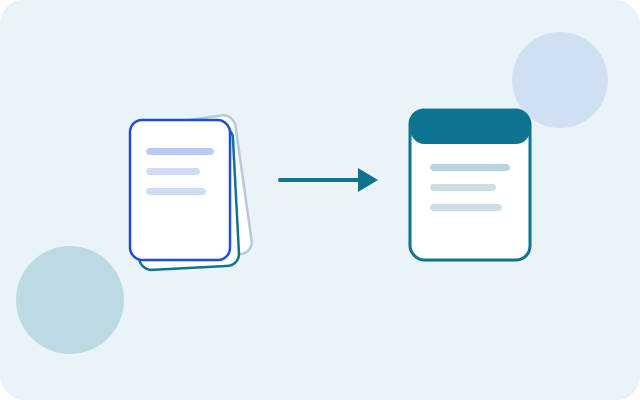
Prefer tools that process in the browser (or native desktop apps). Toolkase’s Images to PDF is built for on-device processing: Convert one or more images into a PDF on your device. Reorder pages before export — files never leave your browser.
How to check a tool yourself
- Watch the Network tab while you run a job
- Try airplane mode after the page has loaded
- Read claims like “no upload” / “runs in your browser,” then verify
When cloud tools are fine
Public marketing PDFs, memes, or anything you would happily email to a stranger. When the answer is “I would not,” stay local.
Bottom line
Safe enough depends on architecture, not marketing adjectives. For private work, open Images to PDF and keep files on your device.
Next: how to turn jpg, png, or webp images into a pdf step by step · practical guide
FAQ
- Are images uploaded?
- No. Images are embedded into a PDF locally with pdf-lib / canvas.
- What about WebP?
- WebP is converted via canvas to PNG before embedding when needed.
- Does Toolkase upload my files when I use Images to PDF?
- No. Images to PDF is privacy-critical: processing stays on your device and files are not uploaded to Toolkase servers for this workflow.
- Is Images to PDF free on Toolkase?
- Yes. Images to PDF runs in your browser with no account required.
- Do I need to install software to use Images to PDF?
- No. Open the tool page in a modern browser and work there — nothing to install.